
Reference

hb99 App — Your Account in Your Pocket

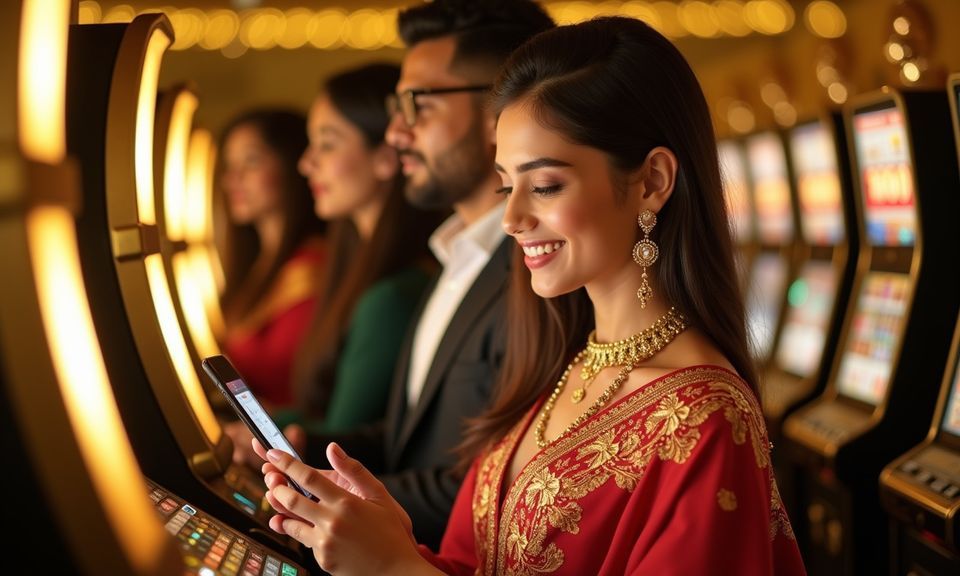
The hb99 mobile experience runs through your browser on any device — open the site, sign in, and your full account wallet, live tables, slots and betslip are ready without any extra steps.

mobile browser accessaccount wallet on-the-goavailability depends on local law and eligible regionsno mandatory app-store install requiredcheck our site for any native build updates
hb99 hb99 App — Your Account in Your Pocket
hb99 What the hb99 Mobile Experience Delivers

What the hb99 Mobile Experience Delivers

When you open hb99 on mobile, you get the same account depth as desktop — your deposit history, live casino tables streamed by Evolution, slots from Pragmatic Play like Gates of Olympus, and the sportsbook with cricket markets all in one scroll. Push notifications through your browser alert you when a betslip settles or when a deposit confirms. The quick-deposit shortcut keeps

your bKash or Nagad wallet top-up one tap away from the lobby. Fingerprint or face-recognition login works wherever your device supports biometric authentication, cutting the time between unlocking your phone and placing a bet down to a few seconds.

hb99 Mobile Access in 3 Simple Steps

Mobile Access in 3 Simple Steps

Getting into hb99 on mobile does not require an APK download or an app-store visit. Your browser handles everything. Open the current hb99 address in a modern mobile browser — Chrome or Firefox on Android work consistently, and Safari on iOS handles the session cleanly. Check that JavaScript is enabled and that you are on the current site URL, not an older

bookmark. Then sign in using your account credentials or use your device's saved biometric shortcut if you have set one up. Once inside, add hb99 to your home screen using your browser's 'Add to Home Screen' option for a near-app feel without any install.

  • Open hb99 — Type the current address directly into your mobile browser or use a verified bookmark. Avoid third-party links that may point to outdated versions of the site.
  • Check Browser Compatibility — Use an up-to-date browser — Chrome, Firefox or Safari. Enable JavaScript and allow cookies so the account session and wallet functions load correctly.
  • Sign In Securely — Enter your account credentials or use biometric login if your device supports it. An OTP may be sent to your registered number as an added verification step.
  • Save to Home Screen — Use your browser's share or menu option to add hb99 to your home screen. It launches full-screen from there, much like a native app, without any store download.
CORE APP CAPABILITIES

Four Things the hb99 App Does Well

Speed, security, layout and alerts — these four things shape how the mobile experience feels day to day. Each one is built around how you actually use your account, not around a feature checklist.

Biometric Login Where your device supports fingerprint or face unlock, hb99 uses it. No typing passwords on a small keyboard — just authenticate and land straight in the lobby.
Browser Push Alerts Allow notifications once and your browser will let you know when a bet settles, a deposit lands, or a live table round opens. You stay informed without keeping the tab open.
Dark Mode Layout The mobile interface respects your device's dark-mode setting. Late-night sessions on live Baccarat or Bet On Crash are easier on the eyes without any manual toggle needed.
Quick Deposit Shortcut A direct path from the menu to the deposit screen means your bKash or Nagad transfer takes fewer taps. Confirm the amount, switch to your wallet app, and you are back in the lobby.
DEVICE COMPATIBILITY CHECK

Which Devices Work with hb99 Mobile

The browser-based approach means compatibility is broad, but there are a few things worth checking before you settle in for a live casino session or a Football Quickbet round.

01

Modern Android Browsers

Chrome and Firefox on current Android versions load the full lobby including live-streamed tables. Keep your browser updated for the smoothest session.

02

iOS Safari Support

Safari on recent iOS versions handles account sessions, deposits and the sportsbook without issues. Older iOS versions may have limited push-notification support.

03

Screen Layout Adaptation

The lobby layout adjusts to portrait and landscape orientations. Live casino tables like Dragon Tiger display better in landscape; slot rooms like Mahjong Ways work well in either.

04

Account Requirements

You need a verified hb99 account to access all features. Wallet functions — including bKash and Rocket transactions — require a confirmed account number on file.

05

Native App Availability

Whether a dedicated Android or iOS build is currently offered can change. Check hb99 directly for any app-download announcement rather than relying on third-party sources.

Frequently Asked Questions About hb99 App

These are the questions we hear most often about mobile access, device support and how the hb99 experience works when you are away from a desktop.

A dedicated store listing may or may not be available at any given time. Check hb99 directly for the current status — browser access works on both Android and iOS without any download.

Yes. The mobile deposit screen supports bKash, Nagad and Rocket the same way the desktop version does. Open the deposit section, select your wallet, and follow the on-screen steps to complete the transfer.

Once logged in, go to your account security settings and enable the biometric option if your device supports it. From the next visit, your fingerprint or face unlock will authenticate you directly.

Live tables from Evolution and similar studios stream well on a stable connection. A consistent mobile data or Wi-Fi connection keeps the video feed smooth during a live Baccarat or Dragon Tiger round.

On Android, open hb99 in Chrome, tap the three-dot menu and select 'Add to Home Screen'. On iOS, use Safari's share icon and choose 'Add to Home Screen'. It opens full-screen from there.

Browser push notifications work on Android with Chrome or Firefox. On iOS, support depends on your iOS version. Allow notifications when the browser prompts you to receive bet and deposit alerts.
Reference

hb99 App

Service availability depends on eligible regions and local law. Users should check local rules before opening an account.

Access may be available only where local law permits.